Pain point
Calendar confidence is fragile
A sync failure or stale availability can turn the first calendar check into a day-long operational issue.
Design opportunity
Make sync status and recovery actions visible.
Healthcare / Practice Management SaaS
A design thinking + AI-powered discovery uncovering the real problem behind clinical scheduling, leading to a phased product strategy that prioritizes resource dependencies over backfill.
Year
2026
Role
Sr Product Designer
Client
HRS
For this case, I was tasked to design a new appointment scheduling system for clinics and medical practices in France and Germany. My role was to understand the market, identify the biggest opportunities and pain points, and define an initial product direction that could compete with existing solutions.
I started by researching users, competitors, and regulatory constraints to uncover the most critical problems. From there, I translated those insights into product opportunities and designed an experience that made scheduling more efficient, reliable, and intuitive for healthcare staff and patients.
Methodology
1. Empathize
Problem discovery, user interviews, affinity mapping, and competitive market research
2. Define
Persona synthesis, affinity-map insights, and root-cause problem statements
3. Ideate
How-might-we questioning, hypothesis testing, and strategic alignment
4. Prototype
Phased product strategy, competitive positioning, and go-to-market sequencing
Research
I started by conducting a strategic research phase to understand the healthcare ecosystem in France and Germany. I analyzed the market, competitors, regulations, and care delivery models to identify the biggest opportunities and constraints. I also synthesized stakeholder and user insights to understand the needs of patients, medical assistants, doctors, and clinic managers. Based on this research, I prioritized the primary users, defined personas, problem statements, and user journeys, and identified the highest-impact product direction. This process allowed me to move from a broad market opportunity to a focused product strategy and user experience grounded in both business goals and user needs.
| Feature | Calendar Keeper | Doctolib | Samedi | German Incumbents | French Incumbents |
|---|---|---|---|---|---|
| Patient Booking | ✓ | ✓ | ✓ | ✗ | ✗ |
| Data Migration Tools | ✓ Priority | ~ | ✗ | ✗ | ✗ |
| End-to-End Encryption | ✓ | ✗ | ✓ | ~ | ~ |
| EU Data Sovereignty | ✓ | ✗ | ✓ | ✓ | ✓ |
| Waitlist / Backfill | ✓ | ~ | ✓ | ✗ | ✗ |
| Usability / Satisfaction | ✓ | ~ | ✓ | ✗ | ~ |
| Self-Service Onboarding | ✓ | ✓ | ✗ | ~ | ~ |
| Free Entry Tier | ✓ | ✗ | ✗ | ~ | ~ |
Key Finding: Data migration is the real differentiator — 44.8% of German practices fear data won't migrate cleanly. This is the #1 blocker to switching, making it a higher initial priority than additional compliance certifications or payment integrations.
Starting with this comparison of the selected competitors, I used their product information, help centers, app listings, and recurring themes in Google Play and Apple App Store reviews to identify the gaps and friction points outlined in the Market Opportunity & Key Insights below.
Through the research, I identified five key user groups. I prioritized clinical staff (medical assistants) and returning patients because they represented the highest business impact and had the strongest research evidence. Focusing on these two personas allowed me to address the core scheduling challenges in both Germany and France while keeping the initial scope focused on the users who interact with the system most frequently.
Primary Focus
These two personas guided the initial design direction
Secondary Users
The research gave me a clear understanding of users' needs, business opportunities, and market constraints. I found that the priority was creating a scheduling experience that was efficient, reliable, and easy to use for healthcare staff. These insights helped me prioritize the target users, define the product strategy, and build proto-personas that guided the rest of the design process.
Customer journey map
The journey shows how routine requests compound into operational pressure for a medical assistant managing a clinic schedule. Each break in the flow creates rework, interrupts care, or puts the day's capacity at risk.
01
Check the calendar and prepare the clinic
02
Answer calls, messages, and walk-ins
03
Find the right practitioner, room, and slot
04
Balance scheduling with clinical and TI tasks
05
Resolve changes, errors, and missed availability
Pain point
A sync failure or stale availability can turn the first calendar check into a day-long operational issue.
Design opportunity
Make sync status and recovery actions visible.
Pain point
Rebooking and insurance calls compete with patients already at the front desk.
Design opportunity
Deflect repeat tasks through reliable self-service.
Pain point
Every booking may depend on practitioner, room, equipment, and patient needs.
Design opportunity
Surface constraints before a slot is confirmed.
Pain point
German MFAs balance scheduling alongside clinical work and TI-mandated tasks.
Design opportunity
Support handoffs and quick return-to-task moments.
Pain point
Double-bookings and manual fixes take time away from care and leave no room for recovery.
Design opportunity
Offer clear exception handling and a trustworthy audit trail.
Customer journey map
For returning patients, an appointment should be a quick, familiar task. Today, uncertainty at each step often sends a routine rebooking back to the phone line—adding pressure to the clinic team it was meant to help.
01
Look for an available follow-up appointment
02
Confirm practitioner, visit type, and location
03
Use the details already on file
04
Receive a clear, durable confirmation
05
Rebook or change plans without starting over
Pain point
When the right appointment is not visible, patients cannot tell whether to wait, try again, or call the practice.
Design opportunity
Explain availability and offer a clear next step.
Pain point
Unclear practitioner information or appointment options make a familiar choice feel risky.
Design opportunity
Make visit details reliable and easy to compare.
Pain point
Long forms and extra data requests add effort before a returning patient can complete a simple booking.
Design opportunity
Recognize returners and ask only for what changed.
Pain point
A blank page, logout, or unclear confirmation leaves patients unsure whether their slot is actually reserved.
Design opportunity
Make status, recovery, and confirmation unmistakable.
Pain point
Without a fast self-service path to rebook, routine adjustments become another front-desk call.
Design opportunity
Let patients manage an existing booking in a few steps.
How Might We Questions
The opportunity is not another booking interface. It is a resource-aware schedule that stays understandable and usable when the underlying infrastructure does not.
Model the practitioner, room, equipment, and preparation time together before an appointment is confirmed.
Low-fi flow mapping
Calendar Keeper / Medical Assistant
A low-fidelity operational flow that prioritizes visibility, constraint checking, and recovery when the schedule changes.
Start-of-day overview
Call, message, or walk-in
Slot + resources available?
Confirm the right setup
Make recovery visible
Reliable shared record
Low-fi flow mapping
Returning Patient
A low-fidelity self-service flow designed to make a familiar appointment quick to find, confirm, and manage.
Recognize the patient
See relevant options
Suitable time available?
Ask only what changed
Provide certainty
Rebook without calling
Strategic focus: Data sovereignty and MFA-first workflows are entry requirements. The defensible advantage is reliable, resource-aware scheduling—especially in degraded mode.
Why these two users first: The Calendar Keeper owns the most complex, high-impact work: coordinating practitioners, rooms, equipment, changes, and recovery when systems fail. Returning patients create the most frequent, predictable requests. Designing a fast self-service path for them removes routine calls before they reach the clinic team.
Why the other users are not separate first flows: Caregivers depend on the same patient identity and appointment-management foundation, so booking for a dependent can extend the returning-patient experience. Older and lower-digital-literacy patients shape accessibility requirements across every screen—clear language, readable controls, and safe alternatives—rather than needing a disconnected product. Doctors and clinicians benefit from a reliable shared schedule, but they are not the people managing the repeated coordination work the console is designed to remove.
The design direction is a scheduling experience that feels clear, dependable, and useful for both staff and returning patients. The interface simplifies each decision by keeping availability, visit requirements, and the next best action visible at the moment they matter.
The low-fi flows establish a calendar-led experience with clear status signals and contextual action panels. Staff can see whether the schedule is healthy, resolve exceptions without losing their place, and keep appointments moving; patients can book, confirm, and manage a familiar visit without breaking the flow or returning to the phone.
Service blueprint
This proposed future-state flow connects the patient and clinic experience to the operational work and systems that keep a resource-aware schedule reliable.
01
Choose context
02
Find a time
03
Reserve resources
04
Confirm or recover
05
Manage follow-up
Line of visibility
Prototype
One product with three connected layers: a shared resource-aware scheduling core, a Calendar Keeper console, and a deliberately thin returning-patient surface. Two entrances adapt the experience to the practice shape, not the country.
CLARITY SCHEDULE
One shared scheduling core, accessed through two focused entrances.
Degraded mode is active. Scheduling remains available.
Future phases
The proposed experience treats scheduling as a coordination system: it protects clinical capacity by reserving the right resources together, keeps work moving during outages, and gives patients a dependable self-service path. The prototype establishes the core service; the next steps extend that reliability around the clinic.
NEXT STEP 01
Test a supervised, consent-aware call agent for lean practices with limited assistant coverage. It can handle routine booking and rebooking requests with EU-hosted processing, then escalate clinical or ambiguous cases to the doctor.
NEXT STEP 02
When a waitlist has enough history, an agent can identify viable openings and prepare a backfill recommendation for staff review before anyone is contacted.
NEXT STEP 03
Add system-health monitoring that detects a sync or eGK failure, explains its impact, and highlights the reconciliation work that needs attention when service returns.
NEXT STEP 04
Test delegation-ready team practices and lean, doctor-led practices separately, ensuring roles, handoffs, and automation reduce work without obscuring responsibility.
Tools
Tags
More work

Replaced a manual workflow with a centralized, self-managed platform; cutting processing time by 72%.
View case study →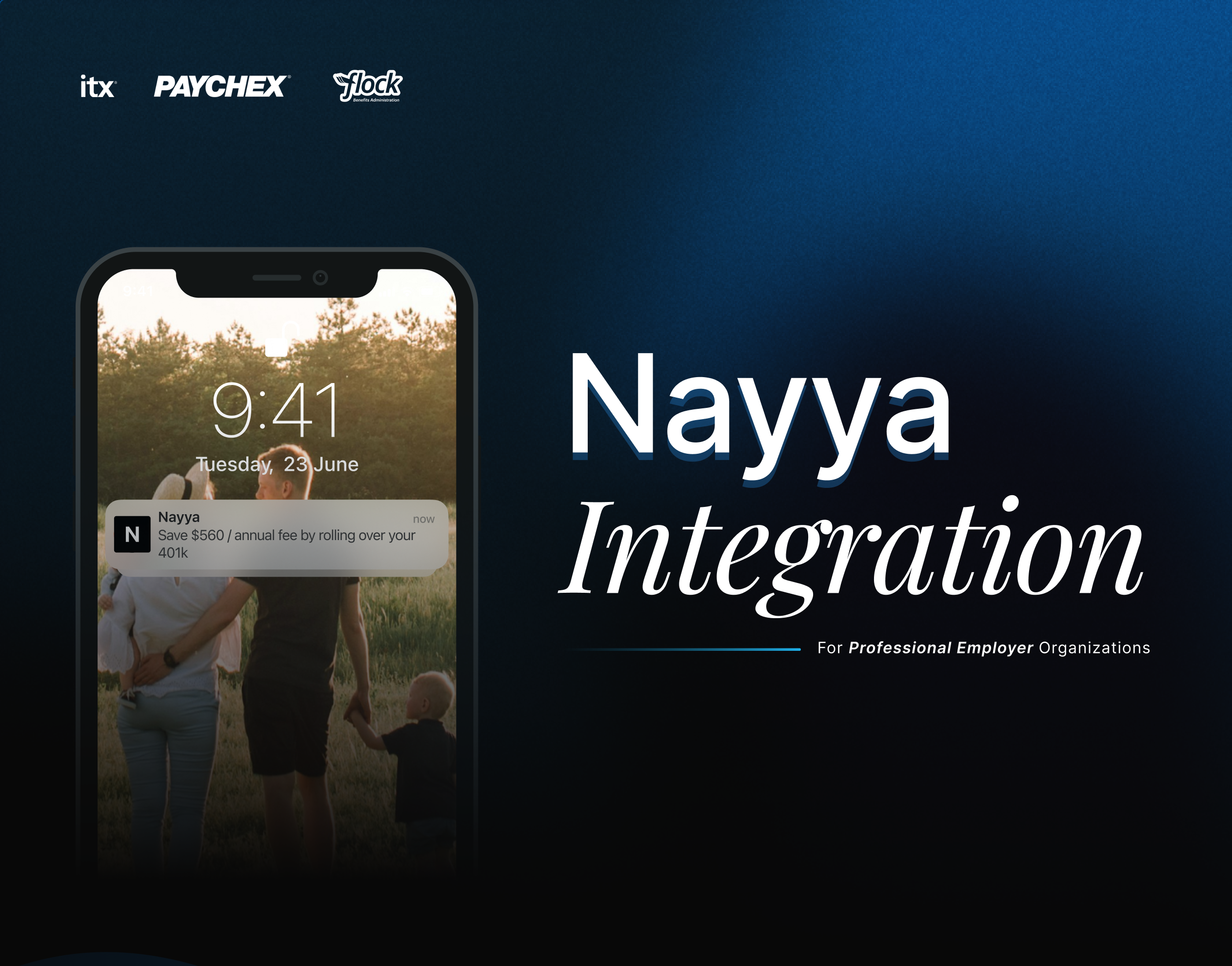
Designed the integration of Nayya as an AI-powered benefits tool, guiding employees to choose coverage that matched their needs.
View case study →
Led an accessibility audit and helped unify the design system. This reduced pattern debt, made the product more consistent, and improved collaboration between design and development teams.
View case study →